Skip to content

Features

Everything an auction house runs on

CRM, consignments, cataloguing, sales, shipping, accounting and the platform around them — each feature designed around lots, sales and clients.

01 — 9 features

CRM

Contacts, segmentation, campaigns, opportunities and tasks: everything you know about your clients, consignors and bidders in one database.

CRM

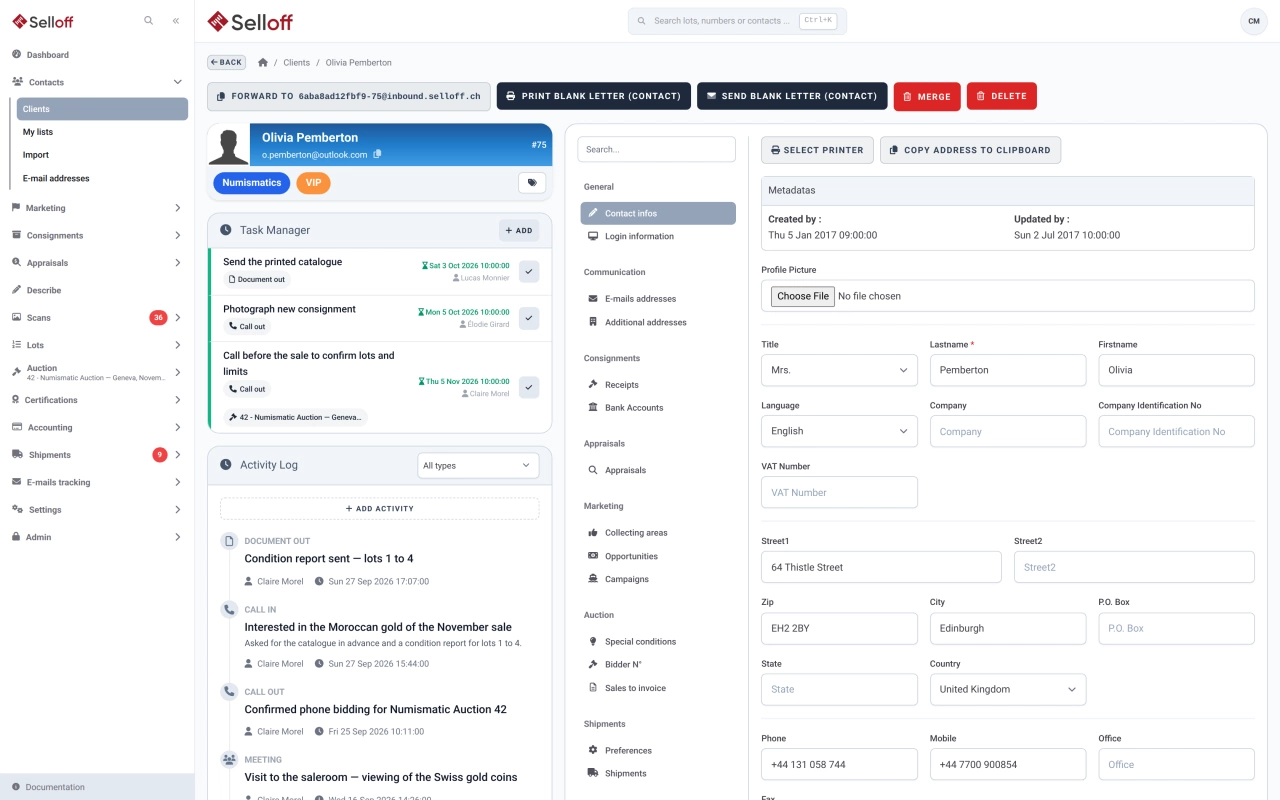
Client records & history

One record per contact with addresses, ID and bank details, tags, consignments, bids, invoices and a complete activity history shared by the whole team.

  • Prospect, client and supplier records, with automatic conversion of prospects into clients
  • Activity feed of calls, meetings, notes, documents, emails and system events
  • Consignments, appraisals, bidder numbers, invoices, balances and shipments on the same record
Learn more: Client records & history
CRM

Dashboard & tasks

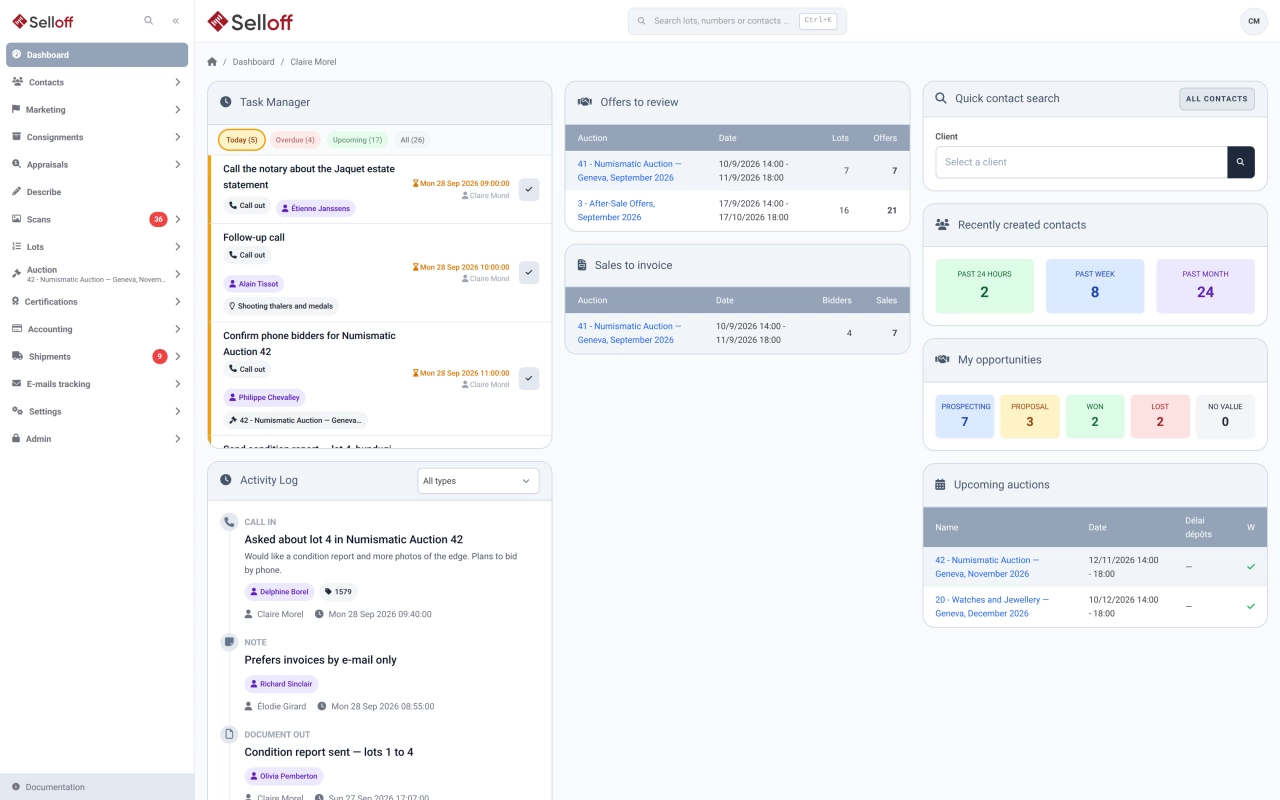
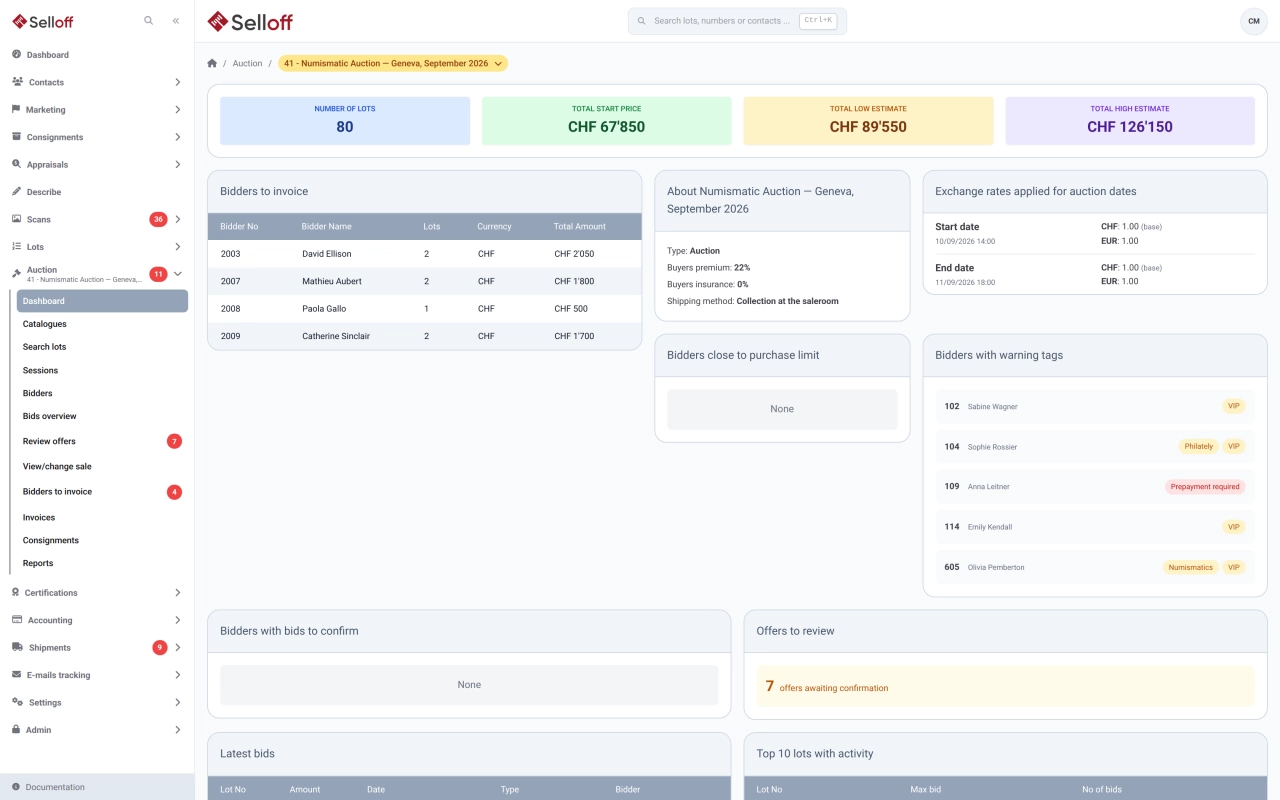
A home dashboard with your tasks, offers to review and sales to invoice, a dashboard for each sale, and a daily email listing the tasks due.

  • Personal task list with today, overdue and upcoming filters, colour-coded by deadline
  • Tasks linked to a contact and to an opportunity, consignment, invoice, shipment, lot or sale
  • Daily digest email of tasks due today and overdue, in each user's language
Learn more: Dashboard & tasks
Segmentation & smart lists
CRM

Segmentation & smart lists

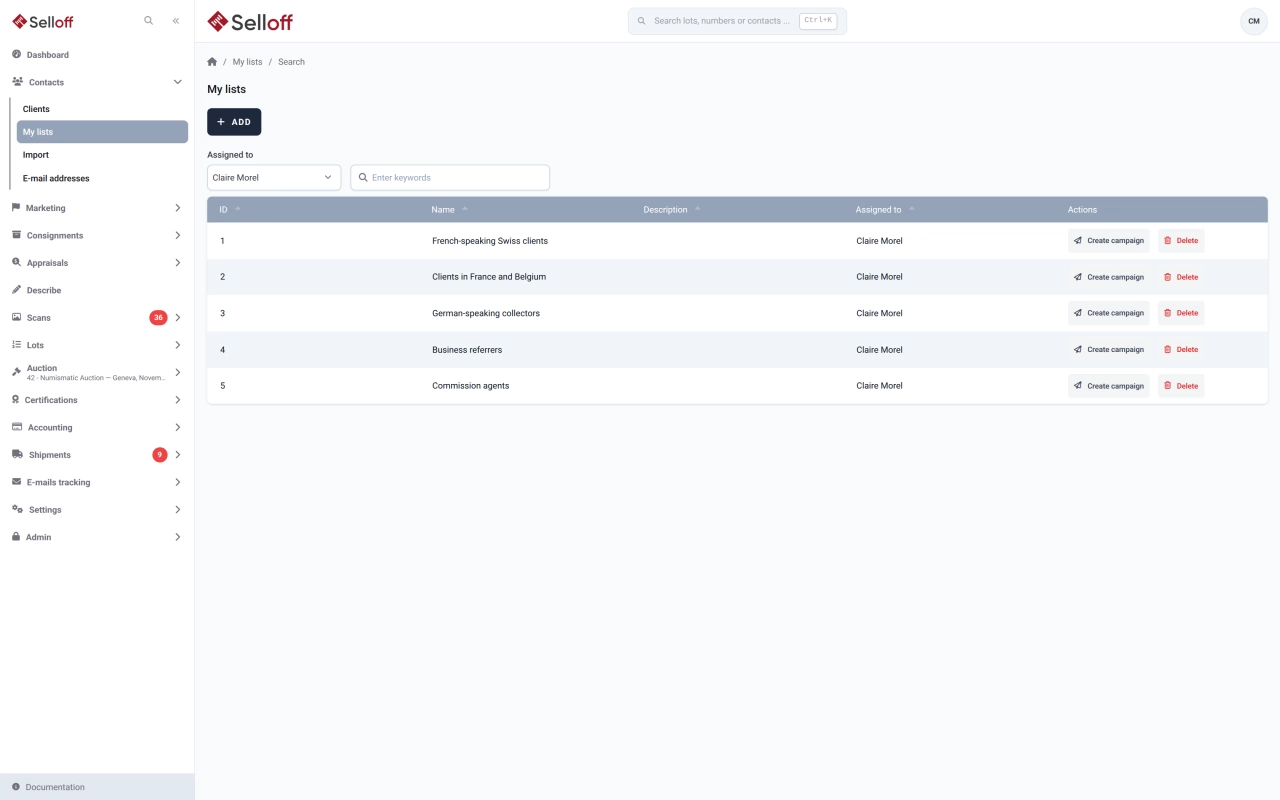
Classify contacts with tags and collecting areas, then save dynamic lists that update themselves from bids, invoices, consignments and activities.

Learn more
Smart search & filters
CRM

Smart search & filters

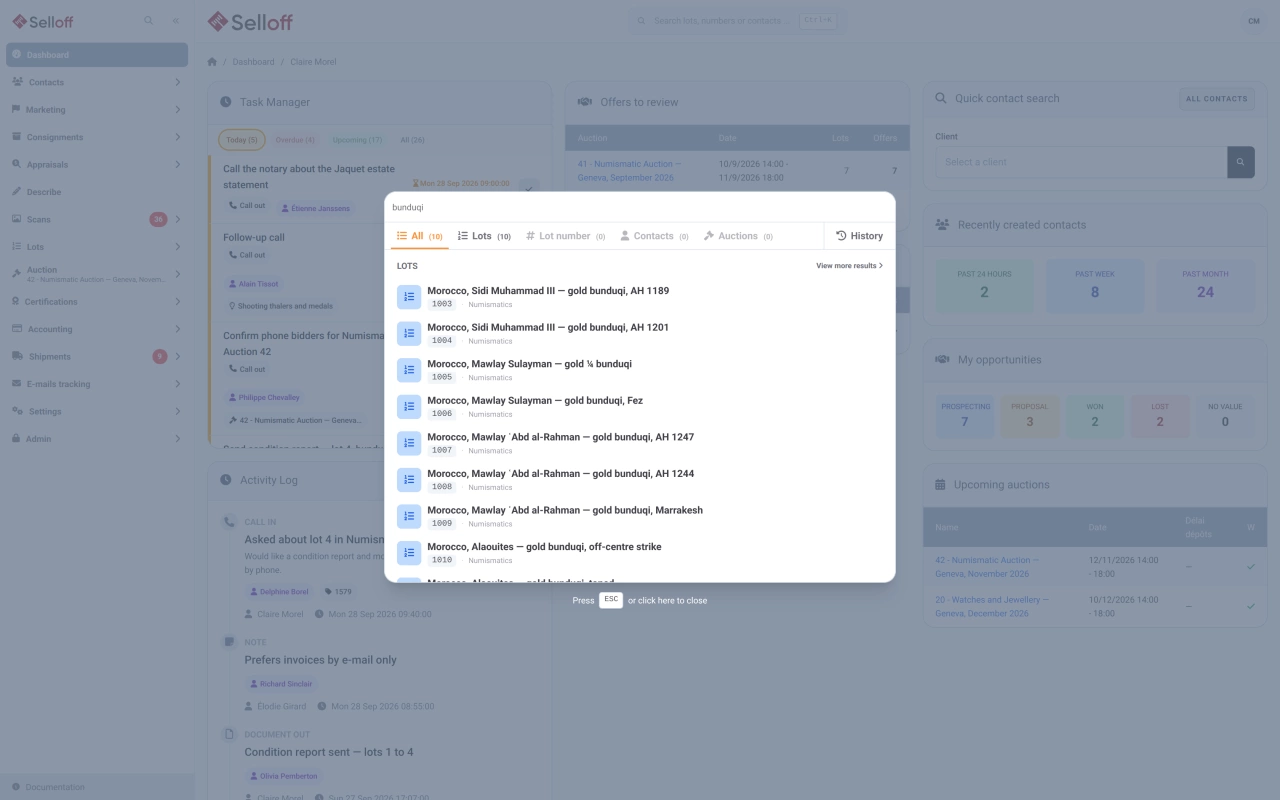
Find any contact, lot or sale in seconds, from a global search box to multi-criteria filters on bids, invoices, estimates and consignments.

Learn more
Email campaigns
CRM

Email campaigns

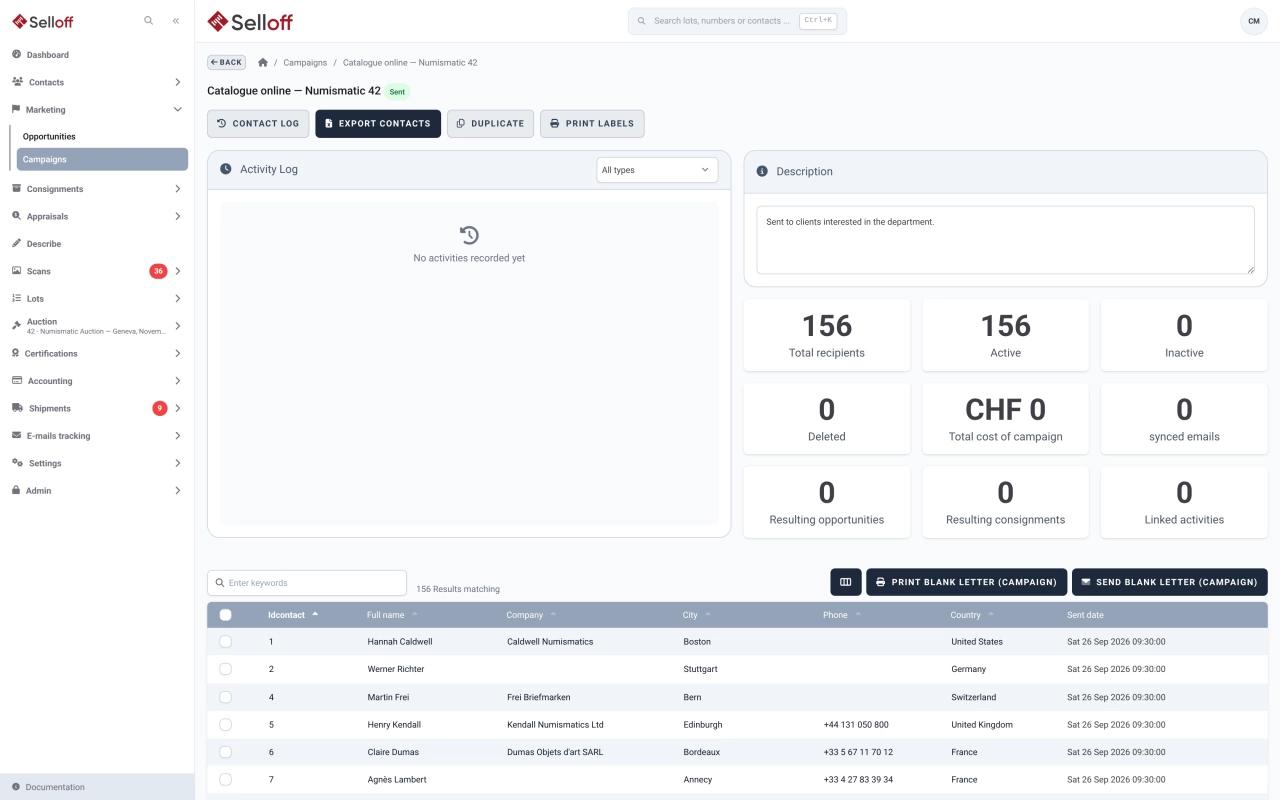
Build targeted campaigns from contact lists, push them as segments to Mailchimp or Brevo, and follow costs, recipients and the business they bring in.

Learn more
Opportunities pipeline
CRM

Opportunities pipeline

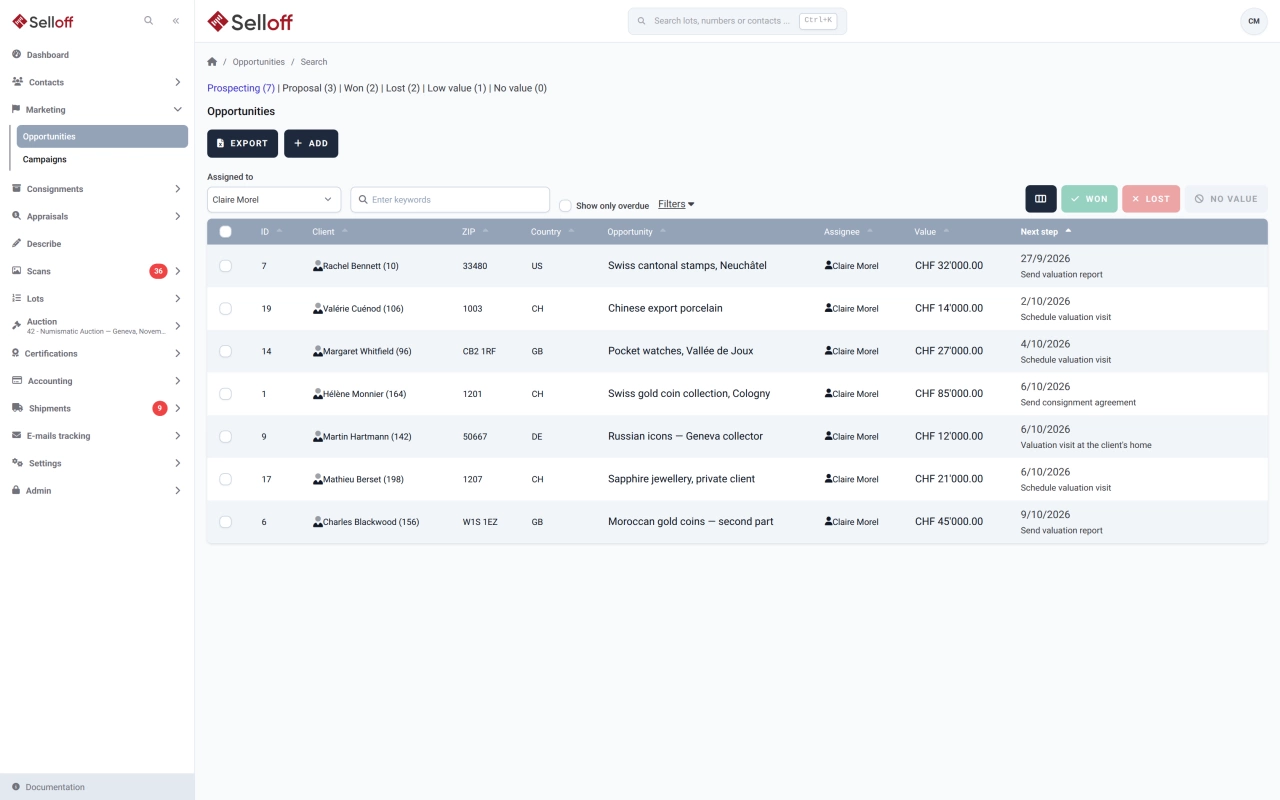
Track potential consignments from first contact to signed deposit, with owners, estimated values, next-step tasks and the reasons deals were lost.

Learn more
CRM

Contact import

Import contacts from an Excel (XLSX) file with duplicate checks, tags, collecting areas and a source label, processed in the background with an error report.

Learn more
CRM

Email tracking

Every email Selloff sends is logged on the contact with its content, attachments and delivery status, from queued to delivered, opened or bounced.

Learn more
CRM

Letter & document templates

Adapt the layout and wording of every document Selloff produces, from letters and receipts to invoices, in each language, with placeholders and conditions.

Learn more

02 — 6 features

Consignments

From appraisal and consignment receipt to consignor settlement, with signatures, estates and business referrers tracked along the way.

Consignments

Consignor management

Set commission, lot fees, insurance, broker and representative per consignment, group lots under receipts, and keep each consignor informed from one page.

  • Terms per consignment: vendor commission, lot fee, insurance on sold and unsold lots
  • Optional commission per lot, plus broker and representative on each consignment
  • Receipts, lots, extra fees, statements and payments on one consignment page
Learn more: Consignor management
Consignment receipts & signed documents
Consignments

Consignment receipts & signed documents

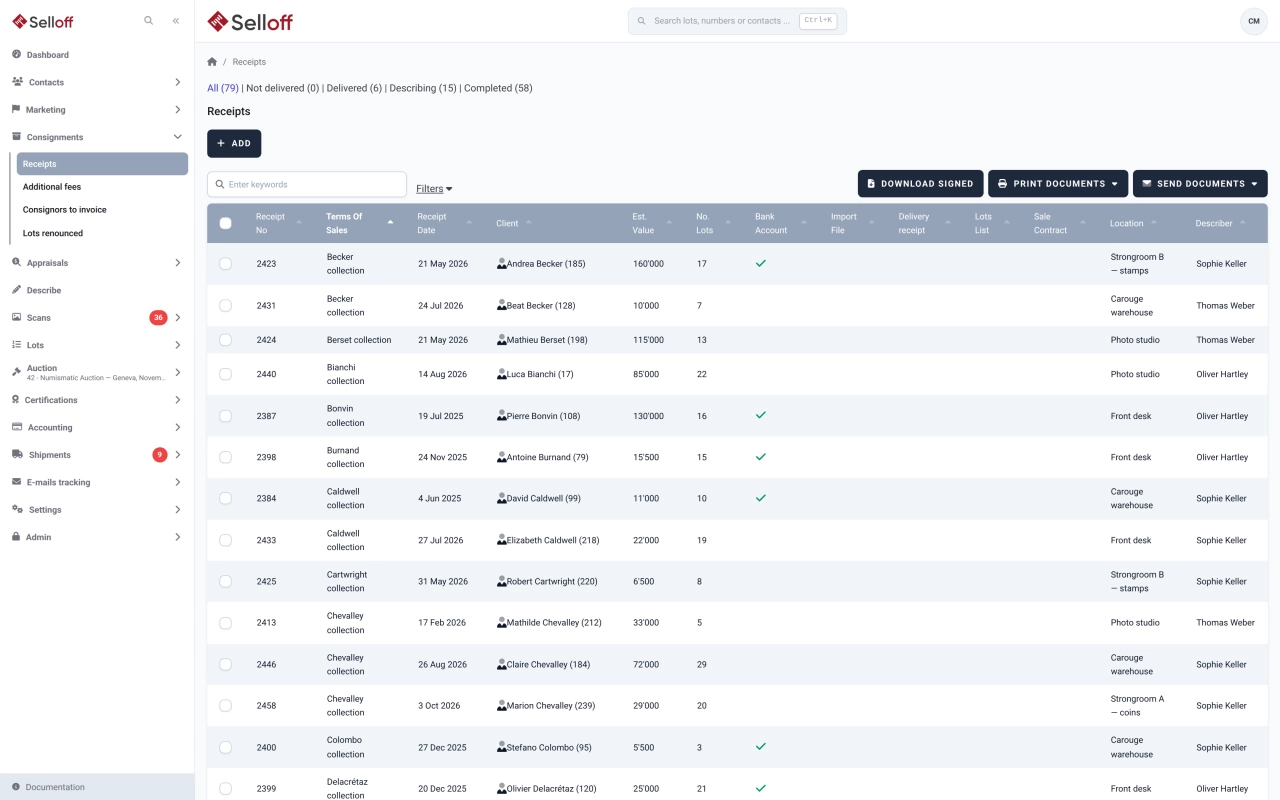
Register each deposit on a numbered receipt with storage location and import details, send lot lists and contracts, and track which signed copies are back.

Learn more
Appraisals
Consignments

Appraisals

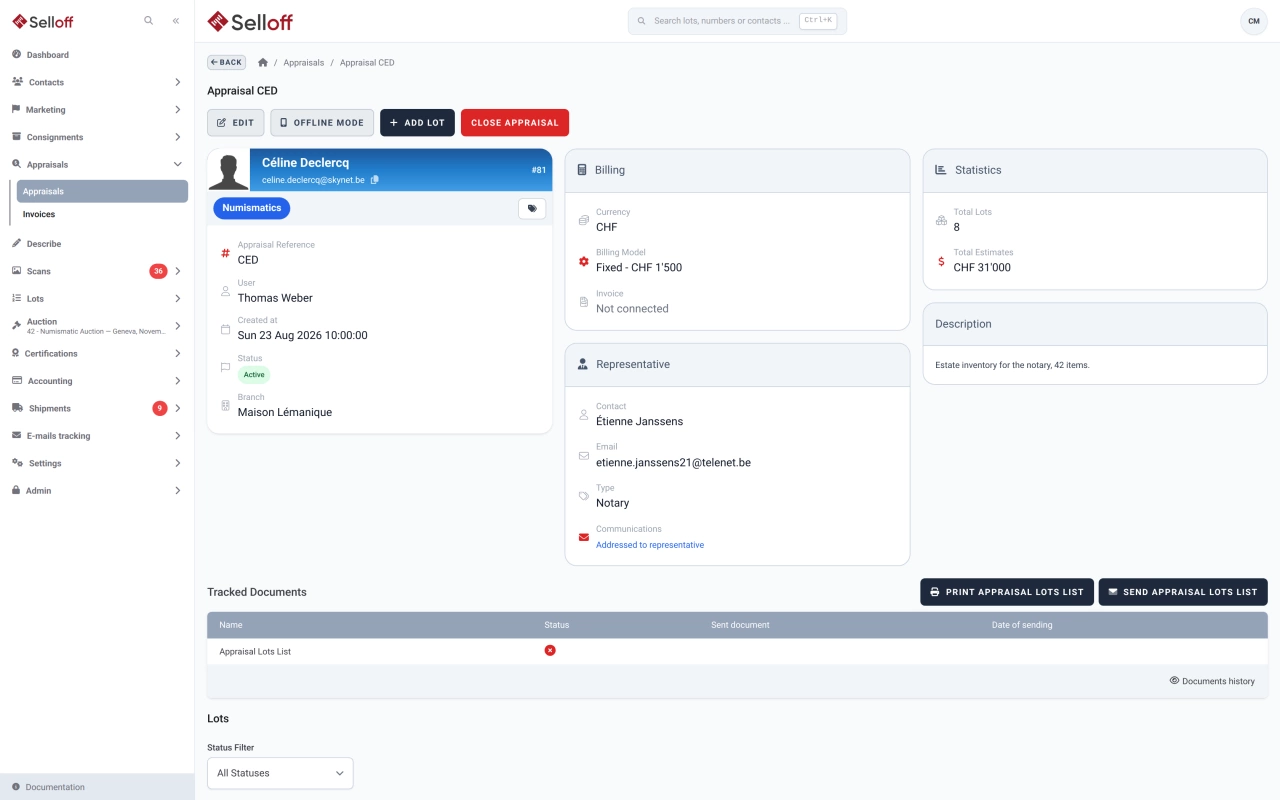
Record appraisals at the counter or on site, describe and photograph lots, bill a fixed or hourly fee and move accepted lots into inventory.

Learn more
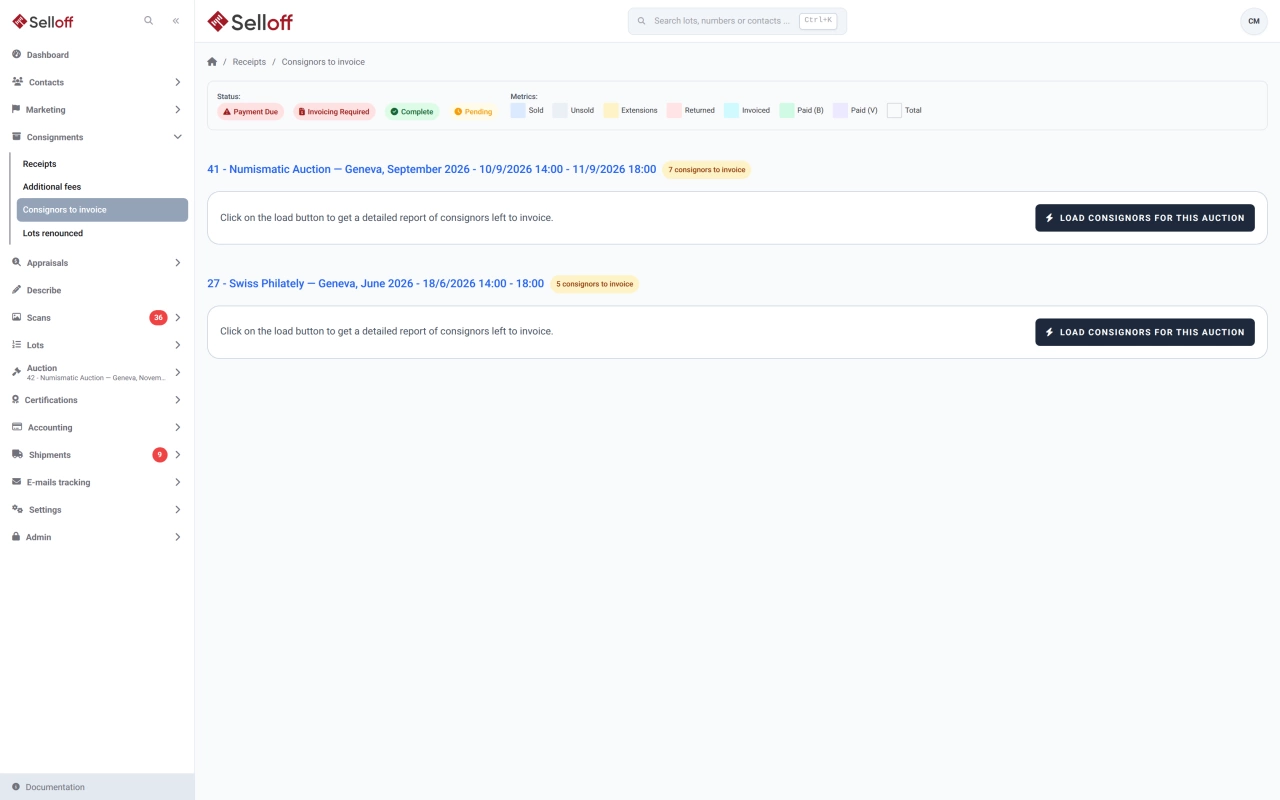
Consignor settlements
Consignments

Consignor settlements

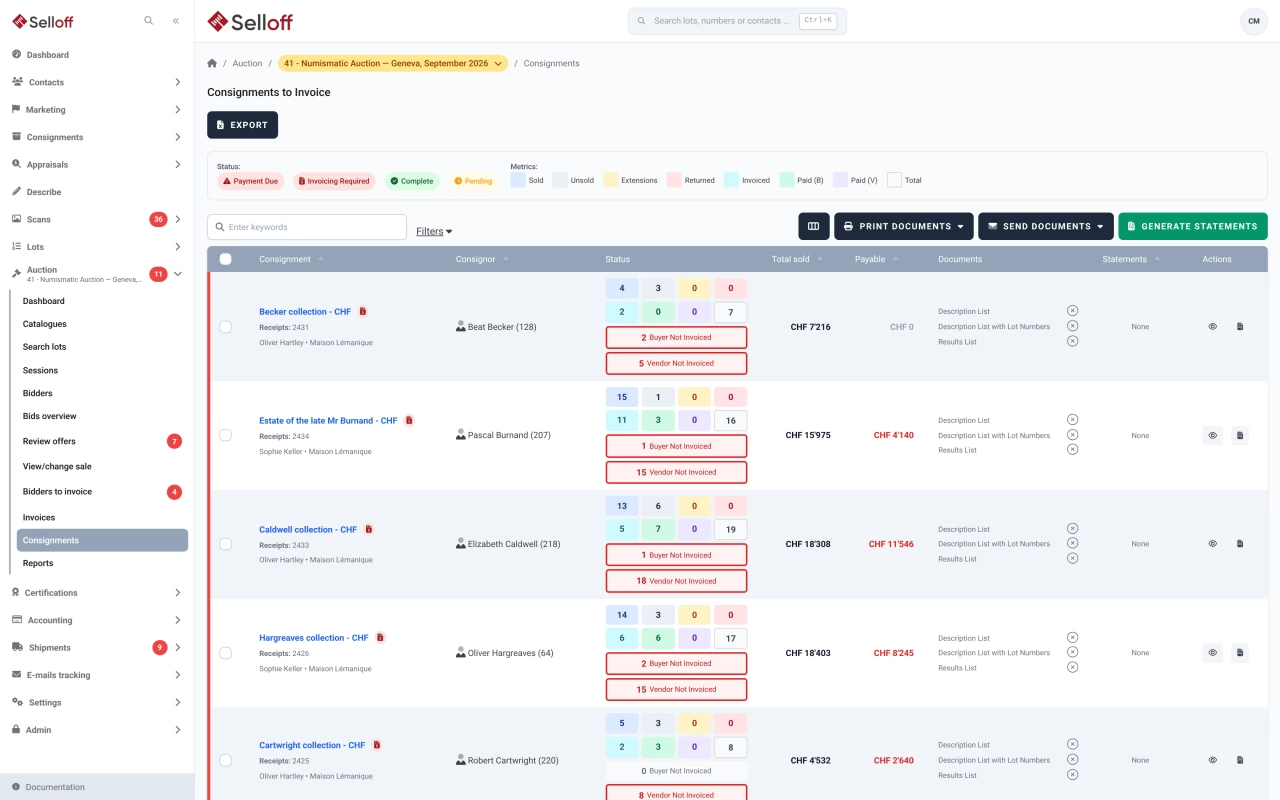
Generate consignor statements for a whole sale, deduct commission, fees and VAT, pay consignors once buyers have paid and export transfers to your bank.

Learn more
Consignments

Estates & successions

Handle estate consignments with a representative such as an executor or notary, documents addressed to them, appraisals of the contents and single-owner sales.

Learn more
Consignments

Business referrers

Record the referrer behind each consignment, calculate their commission on sold lots or on your vendor commission, and see what is payable once buyers have paid.

Learn more

03 — 8 features

Inventory & catalogue

Describe, photograph, label and number every lot, then publish the catalogue as a PDF and online.

Inventory & catalogue

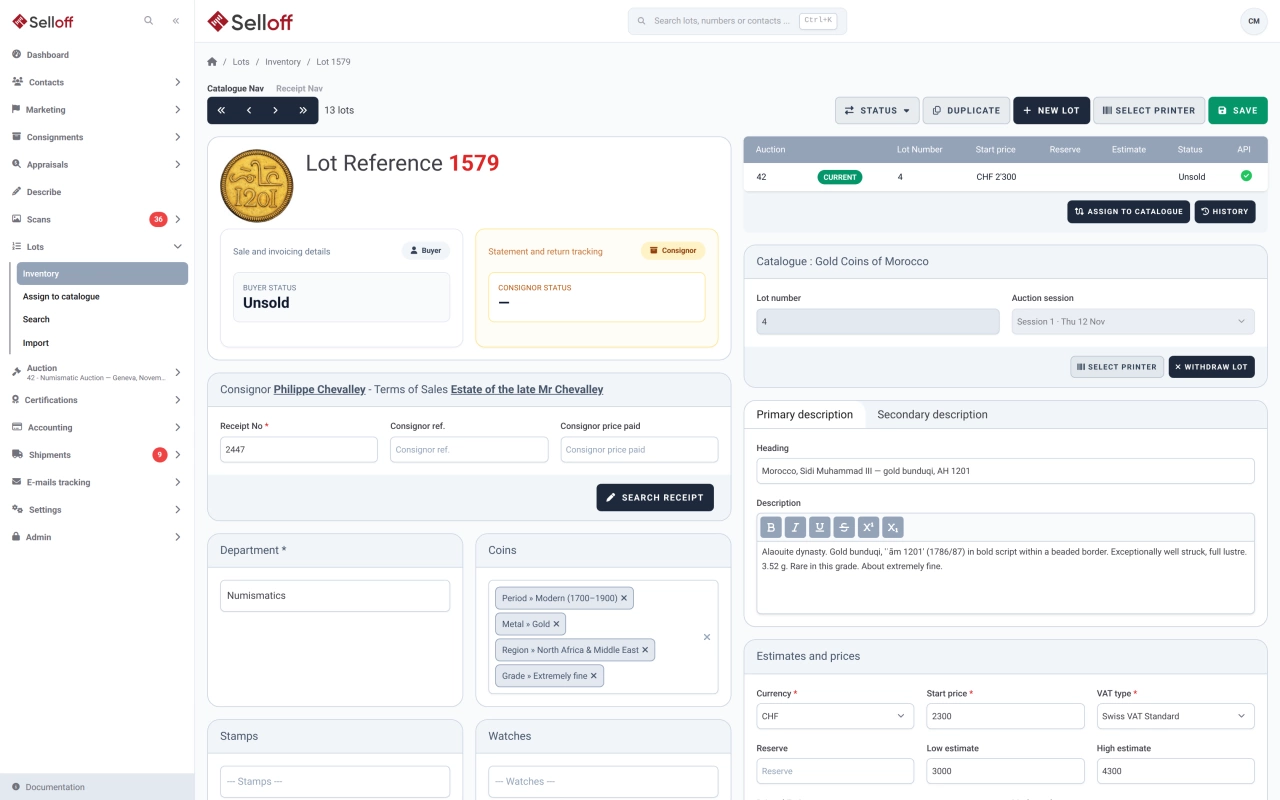
Lot descriptions

Describe lots on a screen you configure, with texts, custom fields, categories and images, and generate repetitive headings and descriptions automatically.

  • Heading and description, plus an alternative heading and description, for example for a second language
  • Eight custom fields and two long text fields, with labels you rename
  • Field automations that build headings and descriptions from categories and custom fields
Learn more: Lot descriptions
Inventory & catalogue

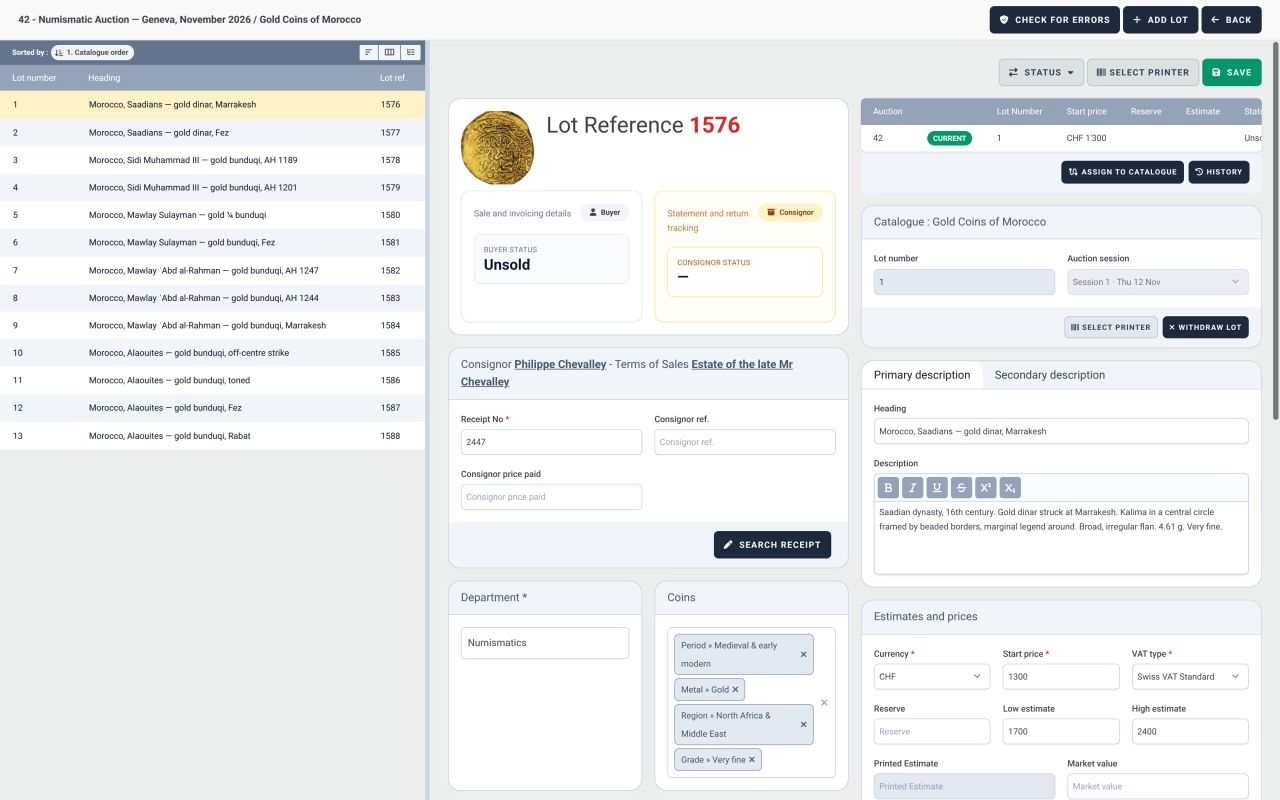
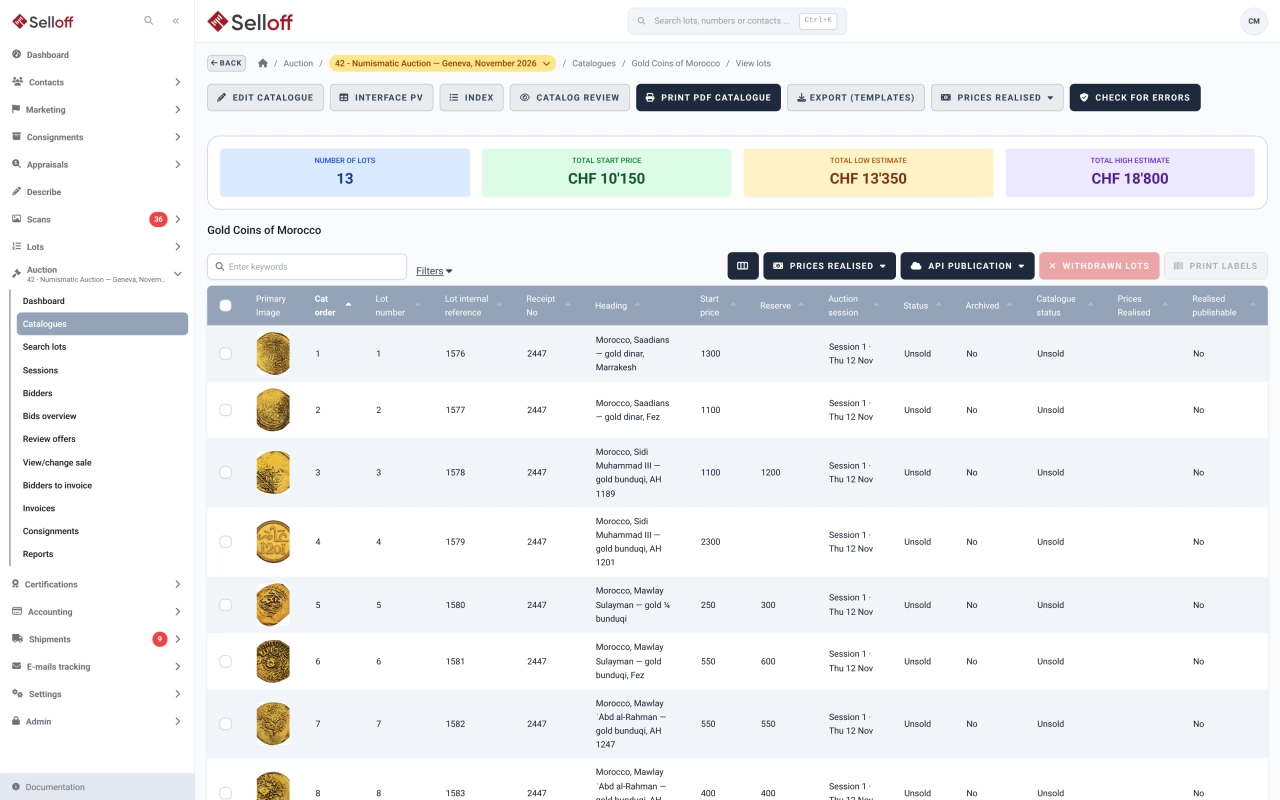
Catalogue building & numbering

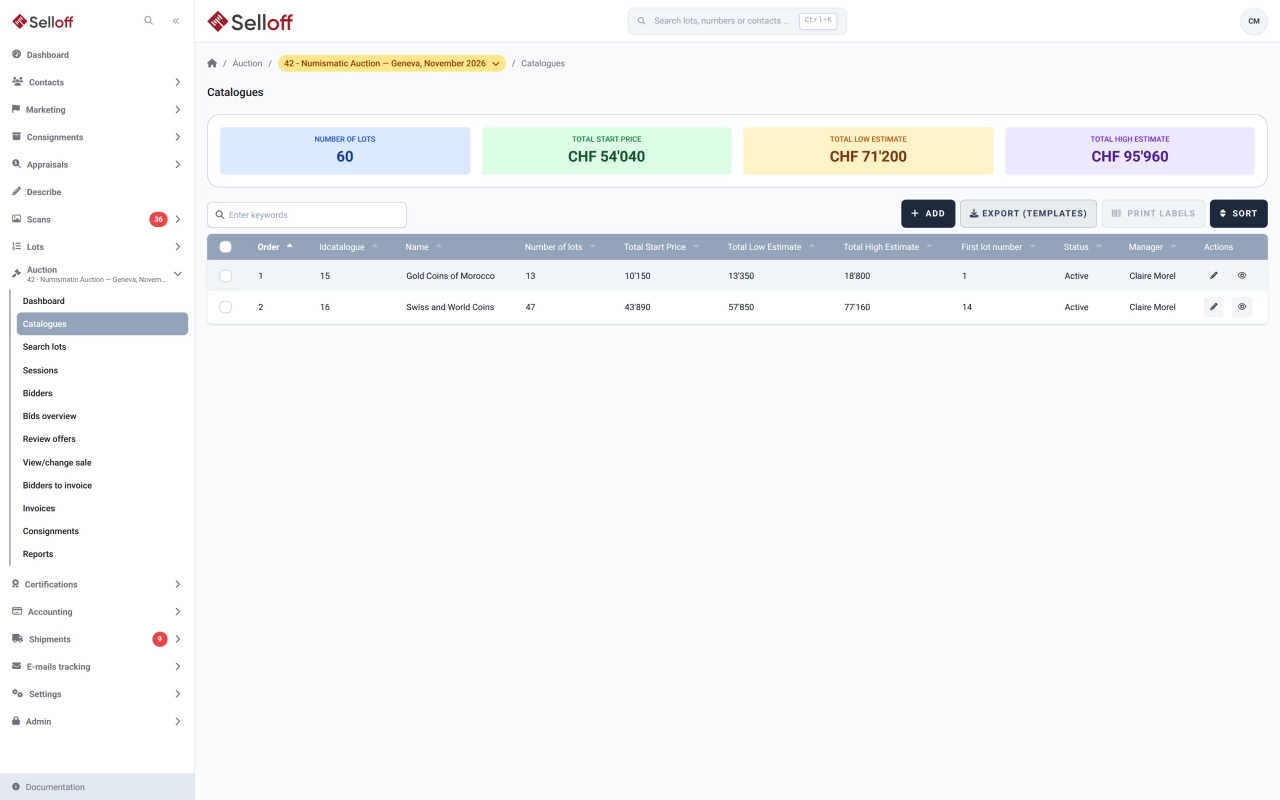
Assign lots to a sale, order them by category or any field, number them automatically or by scanning, and check the catalogue for errors before it goes live.

  • Lots assigned from the inventory, by scanning or by reference range
  • Ordering by category, sort text, estimate or any column, with drag-and-drop adjustments
  • Automatic numbering from the first lot number, or numbering by barcode scan
Learn more: Catalogue building & numbering
Estimates & reserves
Inventory & catalogue

Estimates & reserves

Record starting price, low and high estimates, reserve and printed estimate for every lot, adjust them in bulk, and keep the values used in each sale.

Learn more
PDF catalogue generation
Inventory & catalogue

PDF catalogue generation

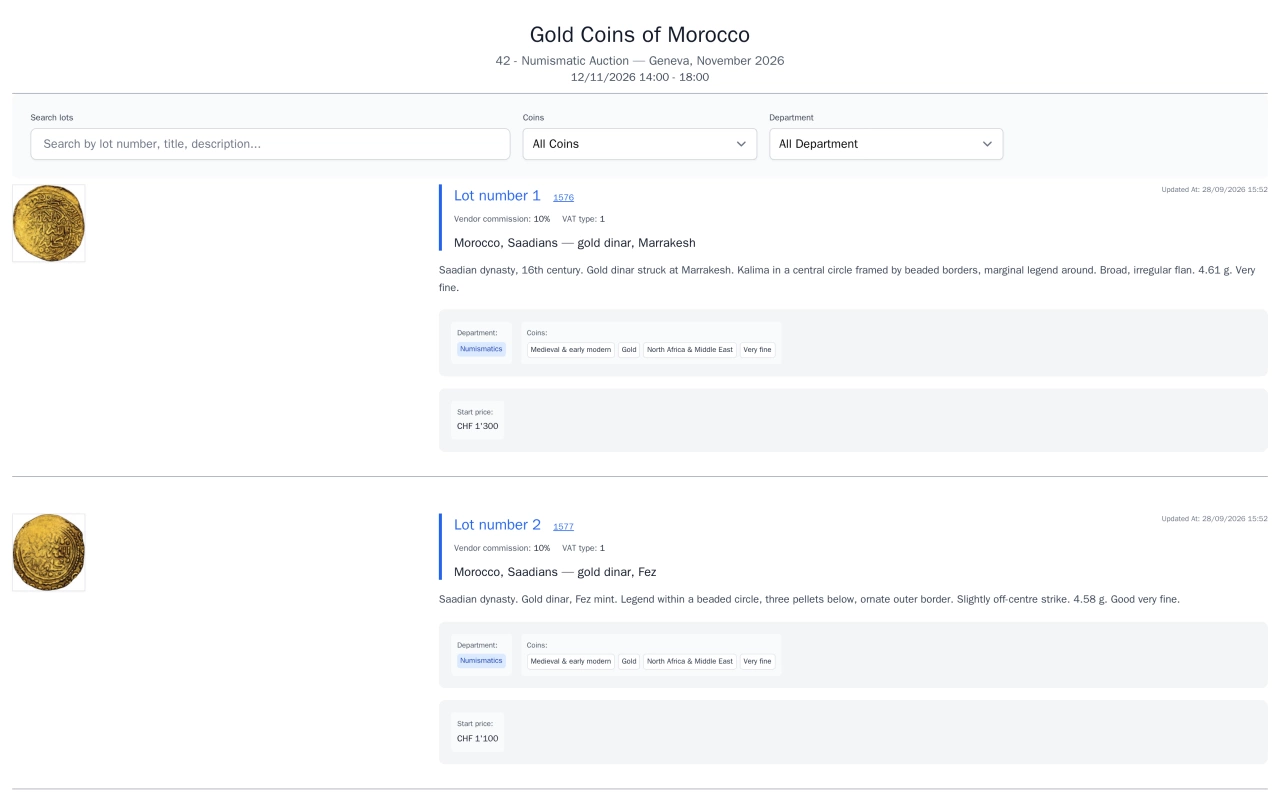
Produce a PDF catalogue straight from your lots, or export texts and images for InDesign and other layouts, with image sizes and grouping by category.

Learn more
Online catalogue publishing
Inventory & catalogue

Online catalogue publishing

Publish catalogues on your own website through the Selloff API and WordPress plugin, with instant updates, online bidding, client accounts and platform exports.

Learn more
Photo import & image checks
Inventory & catalogue

Photo import & image checks

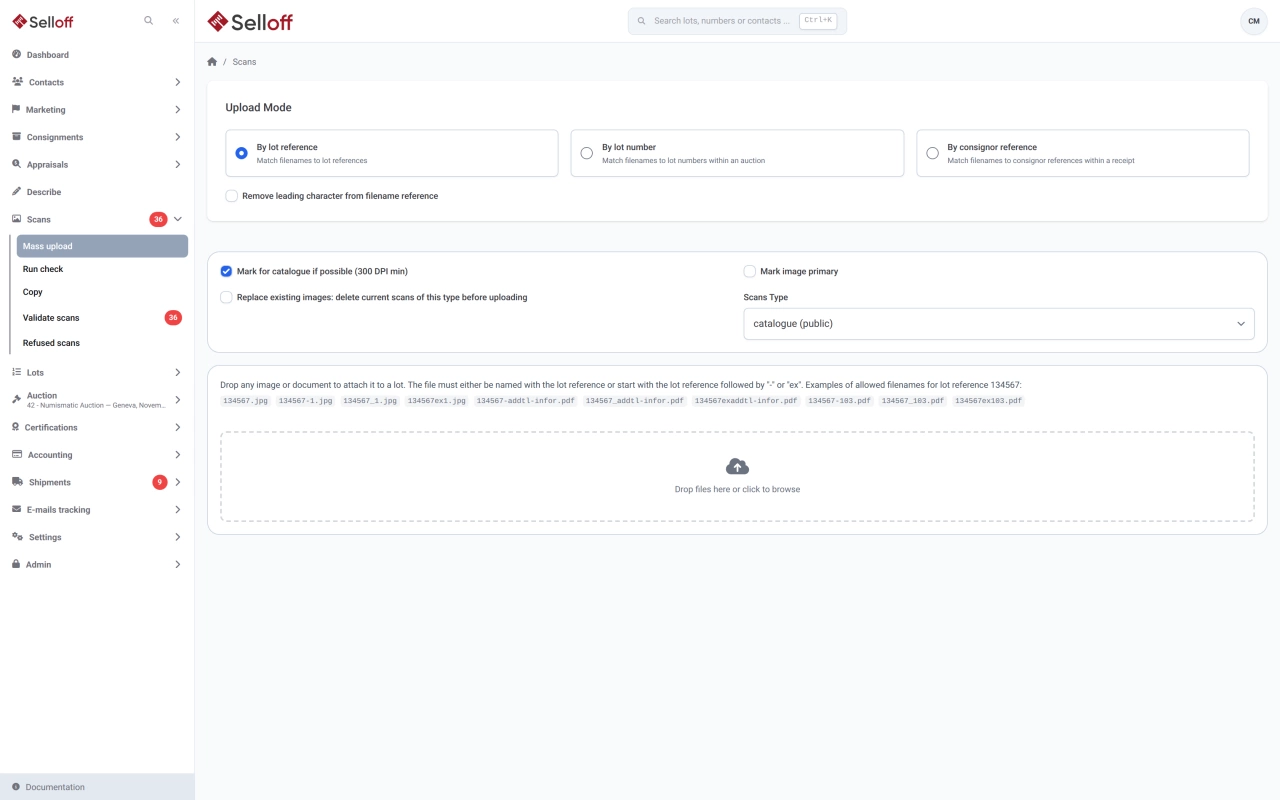
Upload hundreds of photos at once, matched to lots by file name, with validation, required scan types and a coverage check before the catalogue goes to print.

Learn more
Inventory & catalogue

Lot references & barcode labels

Give every lot a unique reference in your chosen format, print barcode labels on Zebra printers from the browser and scan them at every step.

Learn more
Inventory & catalogue

Categories & taxonomies

Organise lots with your own hierarchical taxonomies, translated categories and description masks per type of object, shared with collecting areas.

Learn more

04 — 7 features

Sales & bidding

Set up sales, register bidders, record and import bids, run the live auction and follow results and offers after the hammer.

Sales & bidding

Absentee & phone bids

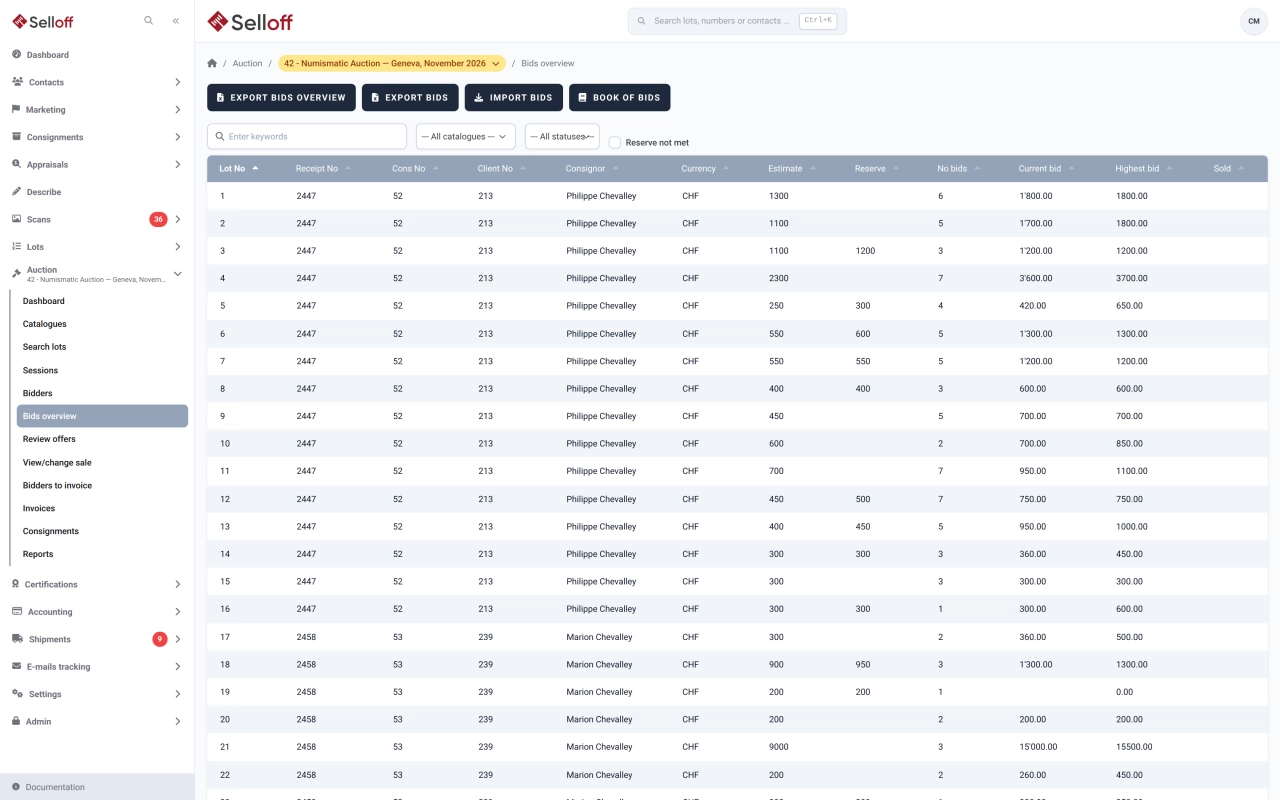
Record absentee, phone and OR bids in the book, check them against your bid increments, confirm them to clients by email and print the bid book for the room.

  • Absentee, phone and OR bids recorded per bidder and lot
  • Bids checked against the sale's bid increments and starting prices
  • Confirmation emails sent to bidders automatically
Learn more: Absentee & phone bids
Sales & bidding

Live auctions & online bidding

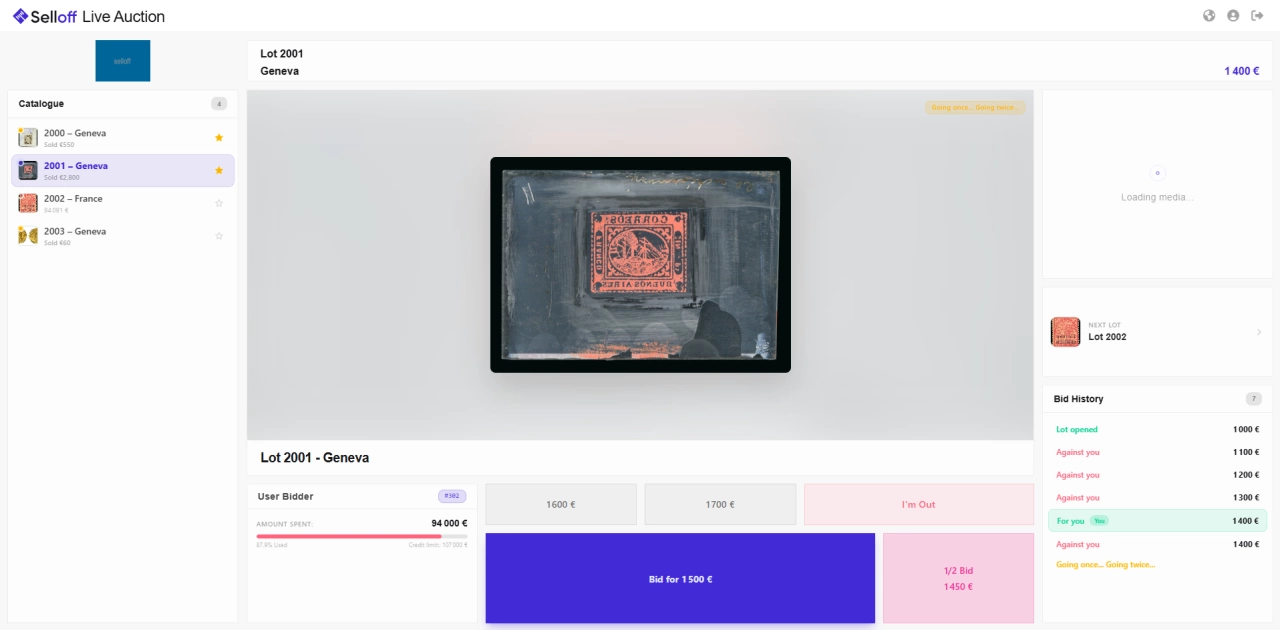
Run the room from the auctioneer's console and take live online bids through Selloff Live Auction, with every hammer price recorded in Selloff.

  • Auctioneer's console with image, estimate, reserve, book bids and remarks for each lot
  • Results recorded lot by lot, with running totals per consignor and per session
  • Selloff Live Auction: live online bidding started from the sale
Learn more: Live auctions & online bidding
Sales & auction types
Sales & bidding

Sales & auction types

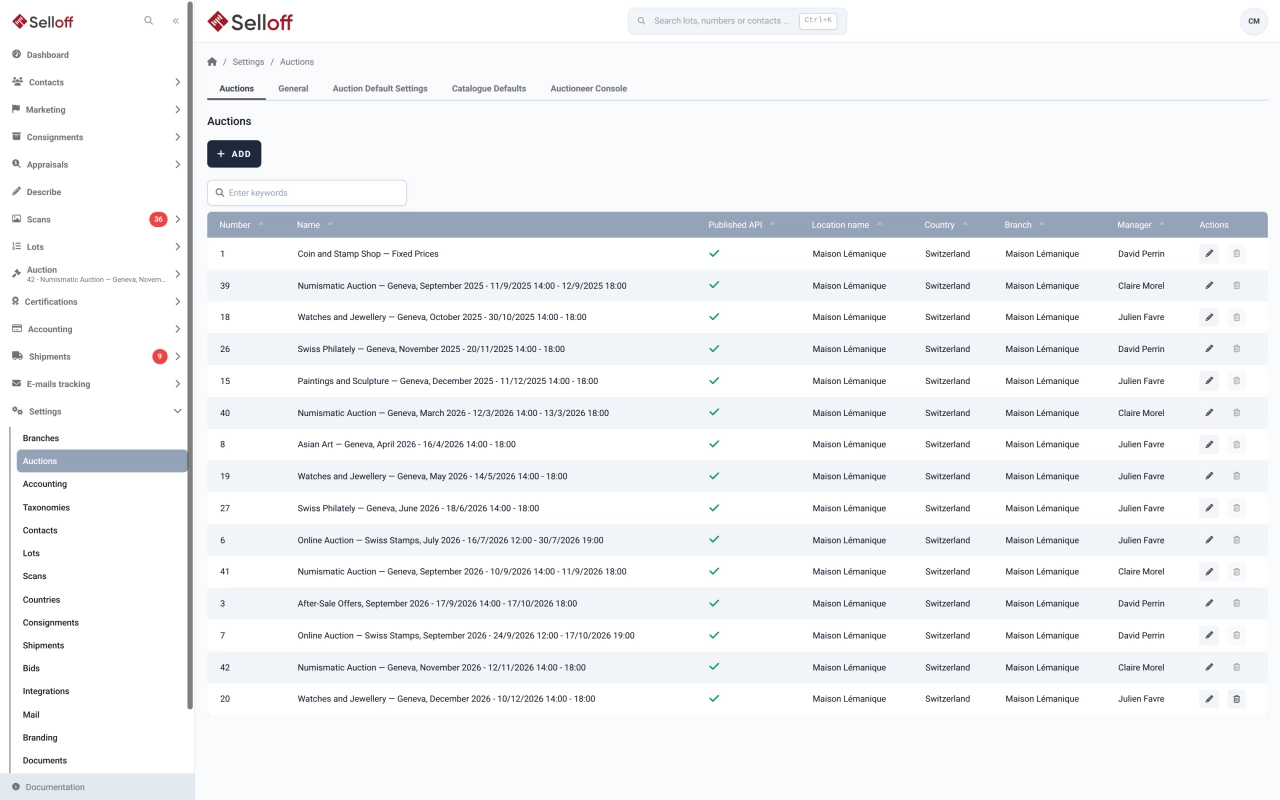
Run auctions, offer sales, eBay-style timed sales and fixed-price sales, each with its own sessions, catalogues, dates, fees and bid increments.

Learn more
Bidder registration & tracking
Sales & bidding

Bidder registration & tracking

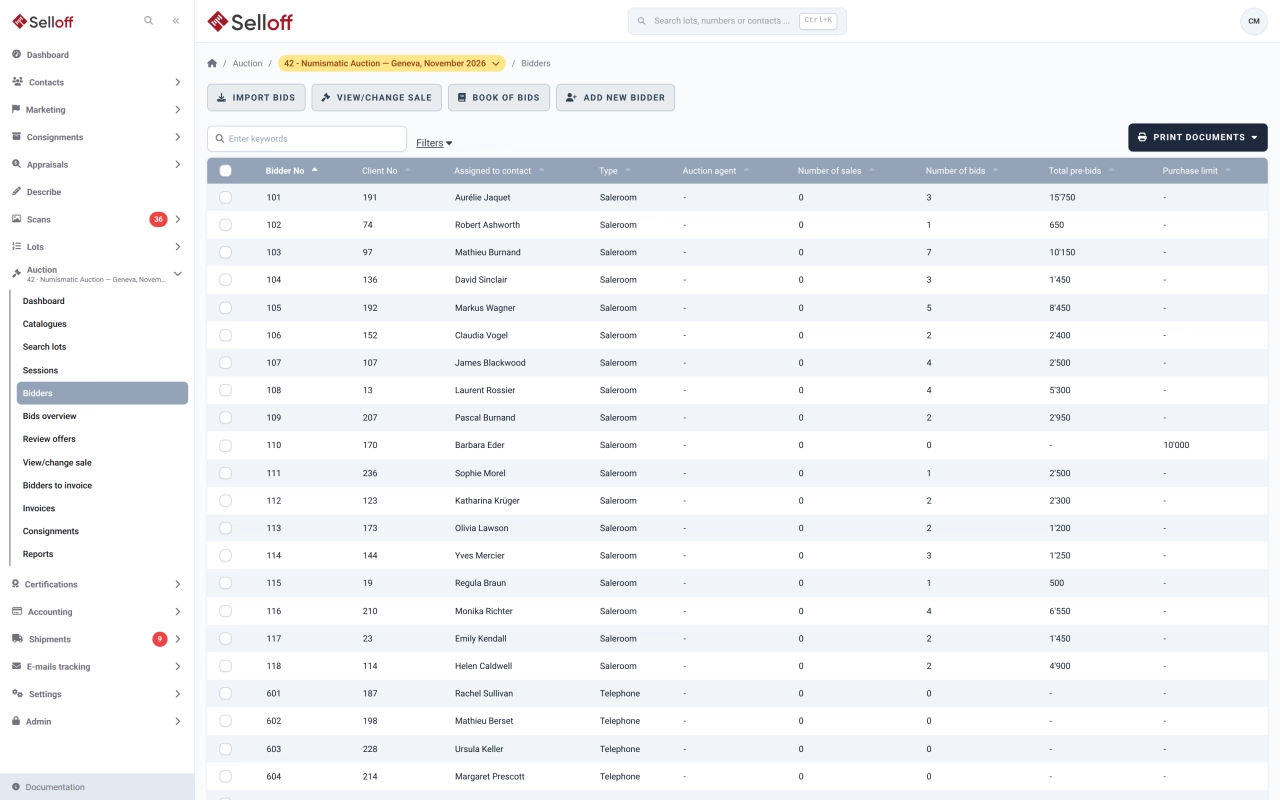
Register bidders before or during a sale, number them automatically, set purchase limits and request guarantees, with every bidder's activity on one page.

Learn more
Offers & after-sale
Sales & bidding

Offers & after-sale

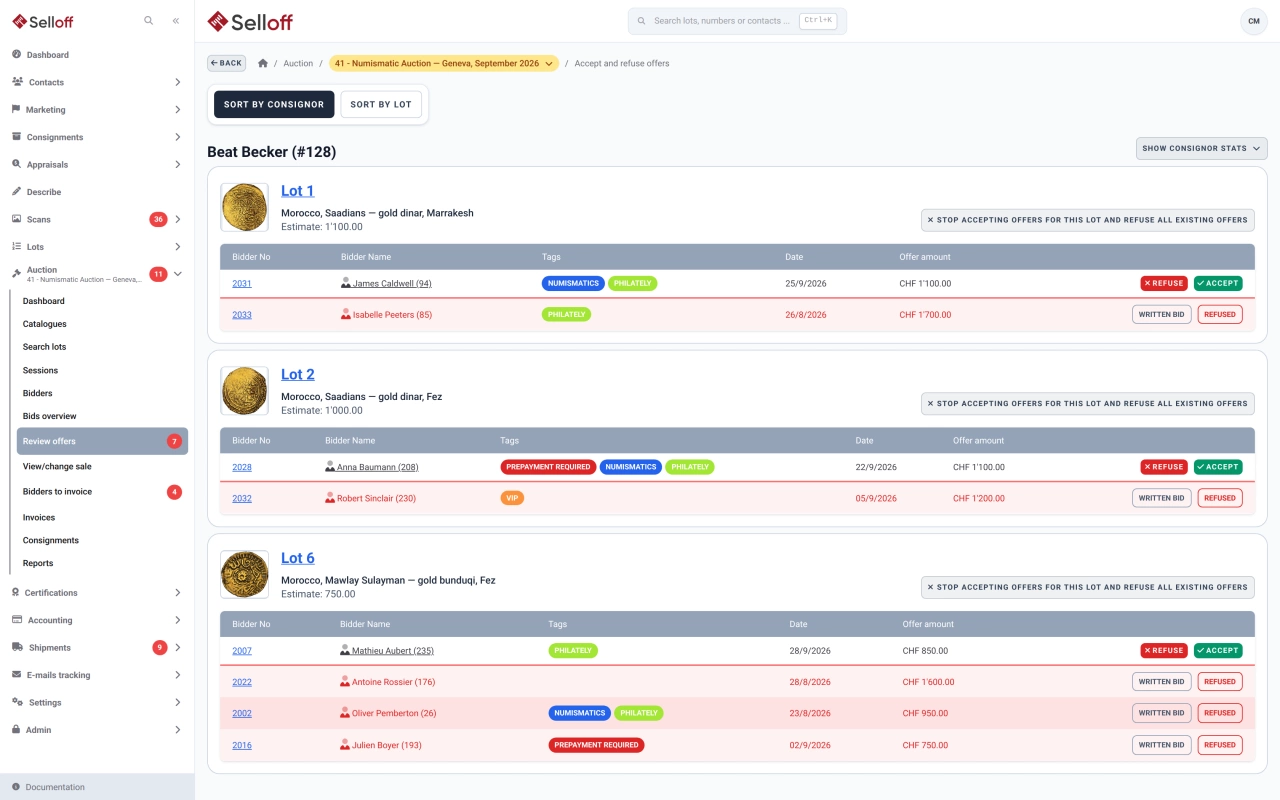
Collect offers on unsold lots or in offer sales, decide lot by lot with the consignor's figures at hand, and notify bidders by email.

Learn more
Results & statistics
Sales & bidding

Results & statistics

Follow each sale from bids to results: realised prices, consignor results, sell-through rate and performance against estimates.

Learn more
Sales & bidding

Bid import from platforms

Bring bids, results and registrations from Drouot, Sixbid, Numisbids, Philasearch, Biddr and Excel files into your sale, with contact matching and a review step.

Learn more

05 — 3 features

Shipping

Prepare, scan and ship lots to buyers or back to consignors, with shipping costs calculated on the invoice.

Shipping

Shipments & shipping slips

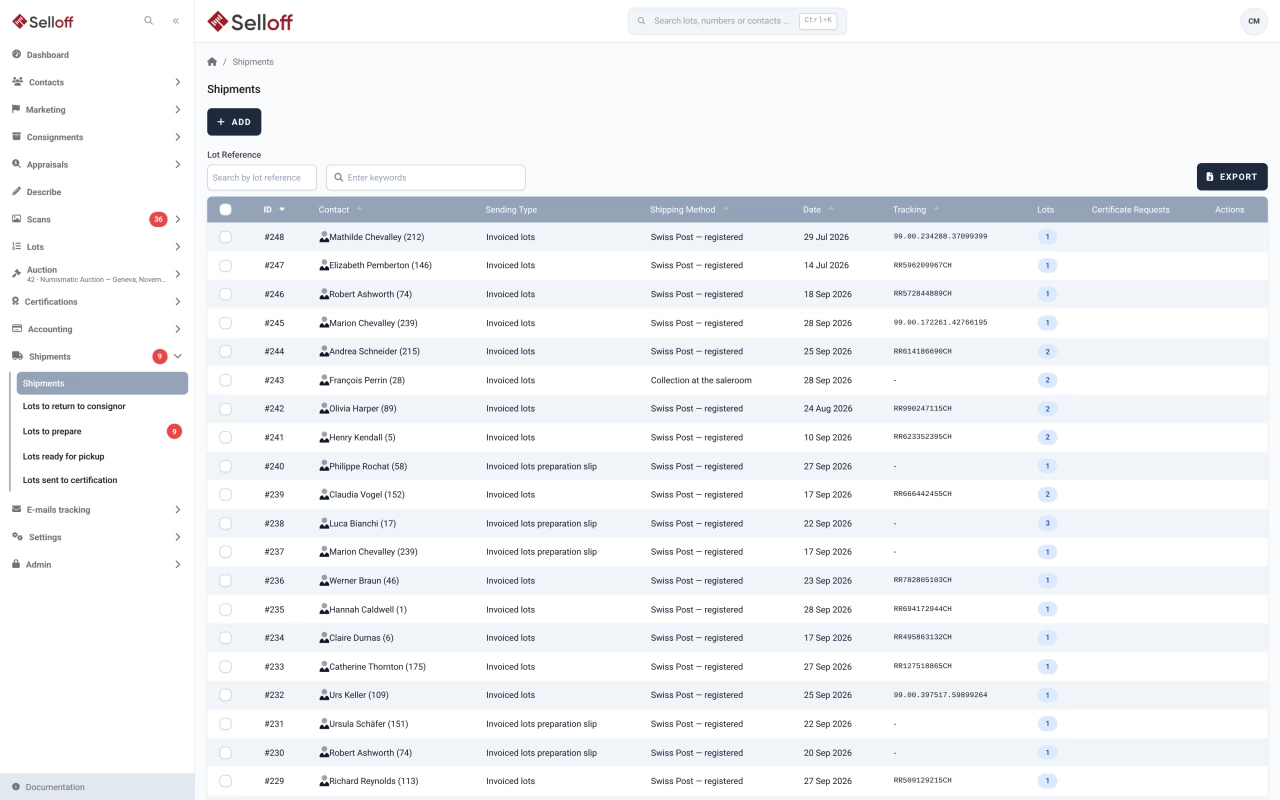
Prepare and track shipments to buyers, consignor returns and lots sent for certification, with preparation slips and tracking emails.

  • Shipments of invoiced lots, returns to consignors, lots sent for certification and other sendings
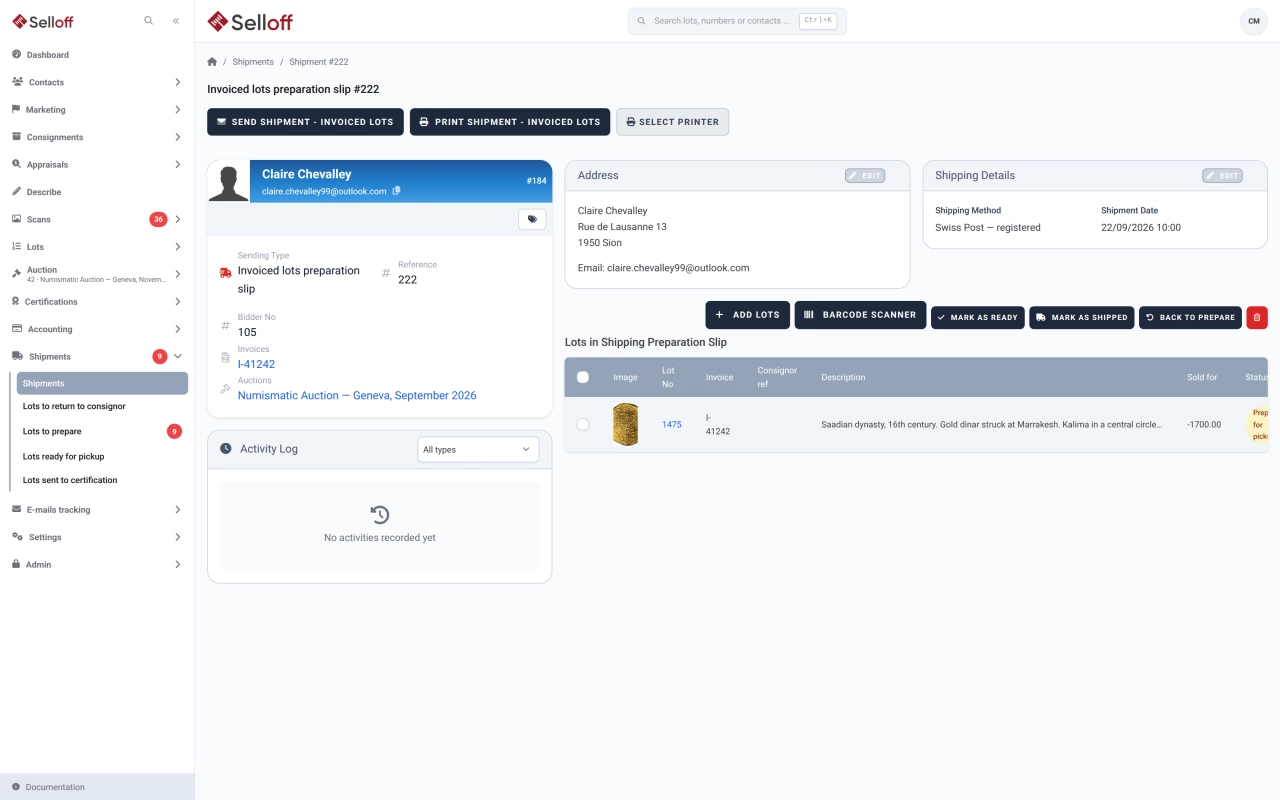
  • Preparation slips: lots to prepare, ready with their storage location, then shipped or returned
  • Only lots sold or paid and invoiced to the recipient can join a buyer shipment
Learn more: Shipments & shipping slips
Barcode scanning & packing
Shipping

Barcode scanning & packing

Scan lot barcodes to add lots to a shipment or return, with instant checks that each lot is available and invoiced to the right client.

Learn more
Shipping

Shipping cost matrix

Calculate shipping costs on invoices from weight, destination zone and purchase amount, with matrices, percentages, fixed fees and limits.

Learn more

06 — 7 features

Accounting

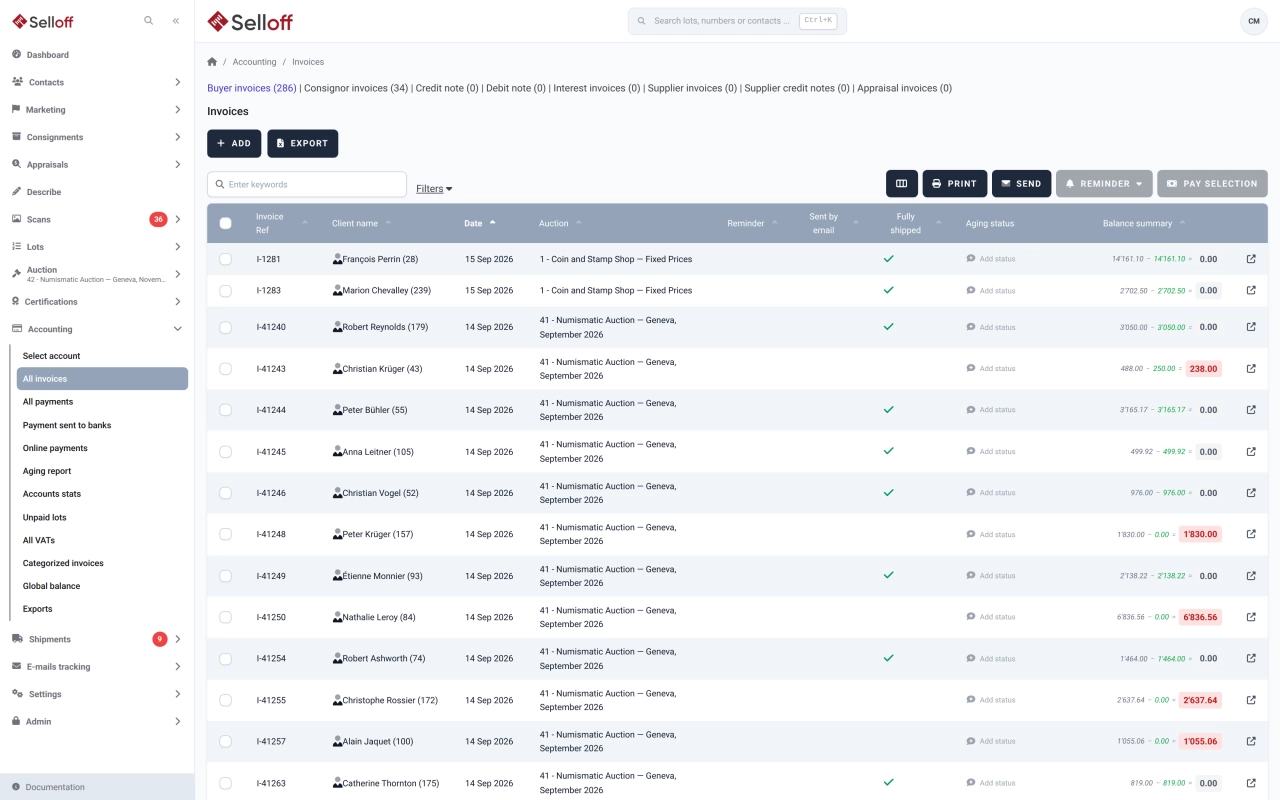
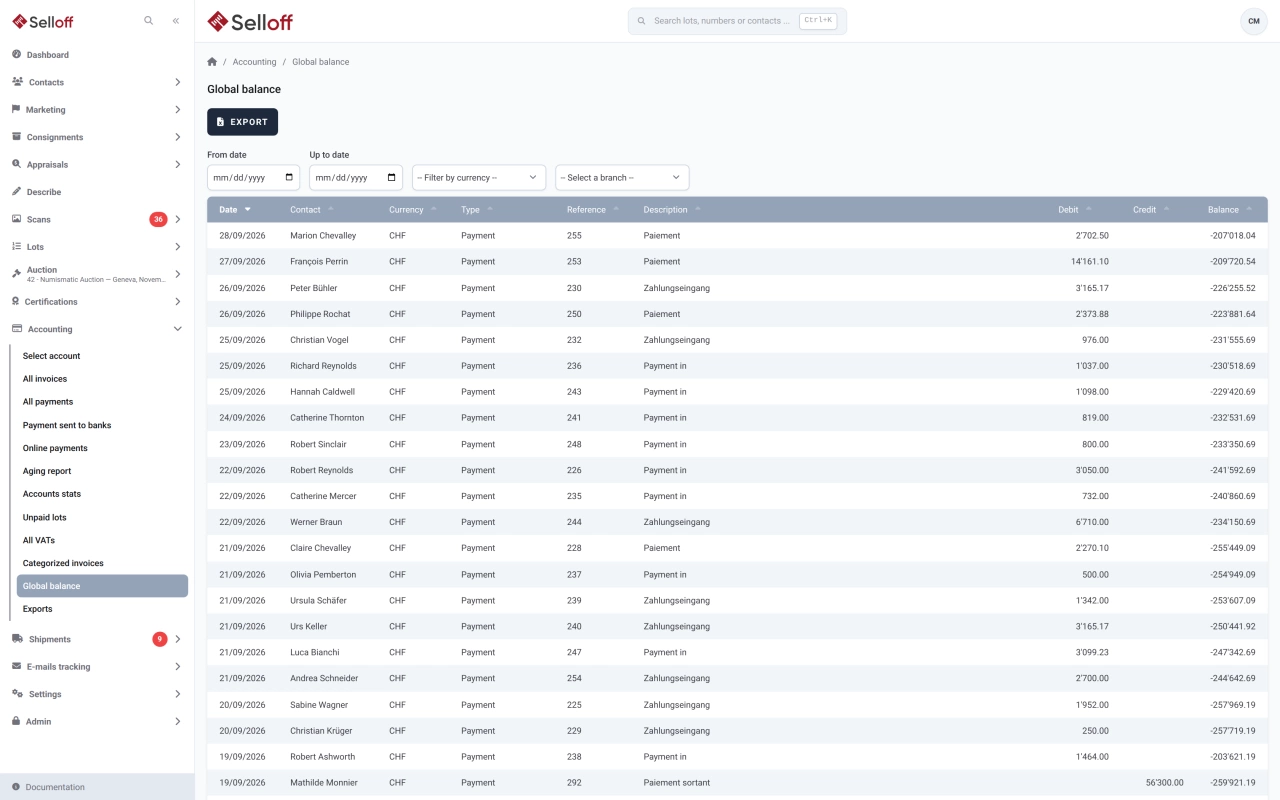
Invoices, payments, reminders, VAT and client accounts per branch and currency, with online payments, e-banking transfers and accounting exports.

Accounting

Automatic invoicing

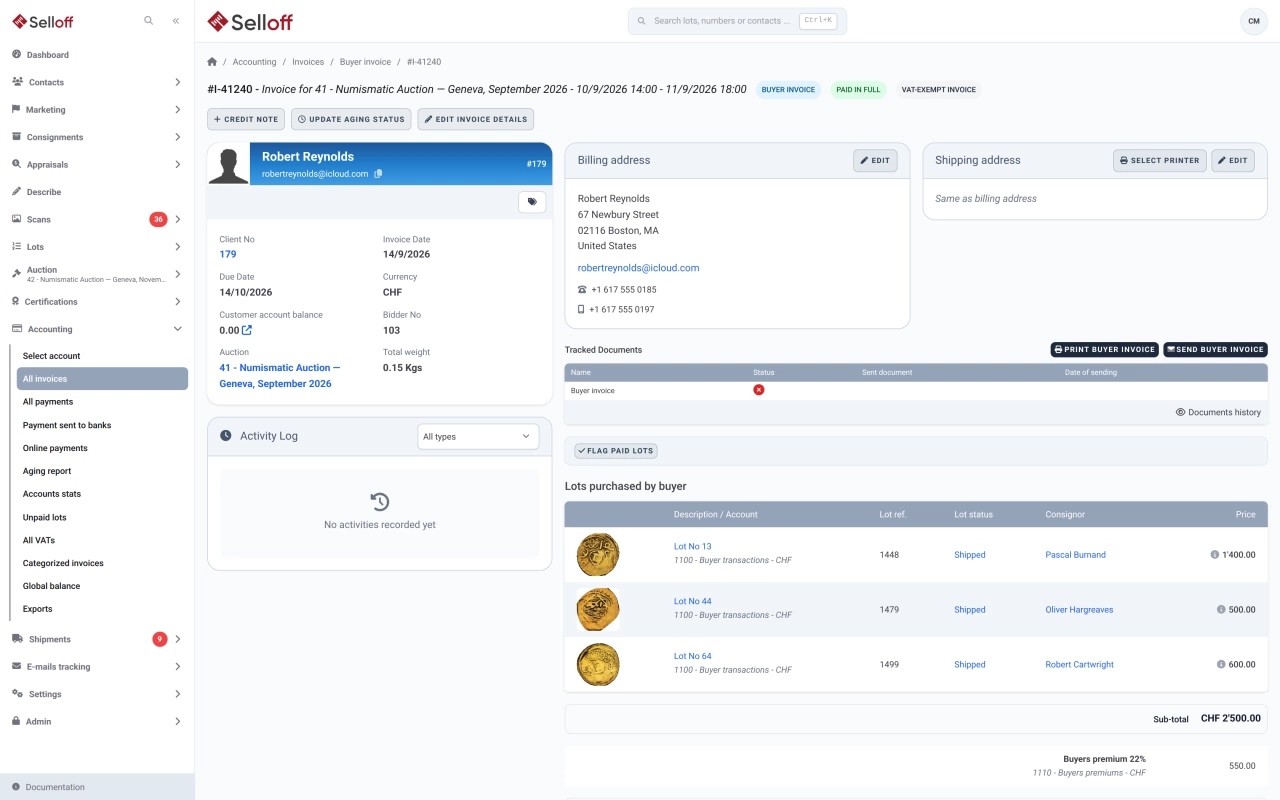
Create buyer invoices and consignor statements from recorded sales in a few clicks, with premium, insurance, fees, shipping and VAT calculated automatically.

  • Invoices for all selected bidders in one action, one invoice per client if you wish
  • Buyer's premium, insurance, platform fees, shipping and VAT added automatically
  • Consignor statements with commission, lot fees and insurance
Learn more: Automatic invoicing
Payment tracking & reminders
Accounting

Payment tracking & reminders

Record and apply payments, see what each client owes, send reminders at three levels with fees, and follow receivables in the aging report.

Learn more
Integrated accounting
Accounting

Integrated accounting

Keep client accounts, the chart of accounts, supplier invoices and balances inside Selloff, per branch and currency, without re-entering sales in another system.

Learn more
VAT & international tax
Accounting

VAT & international tax

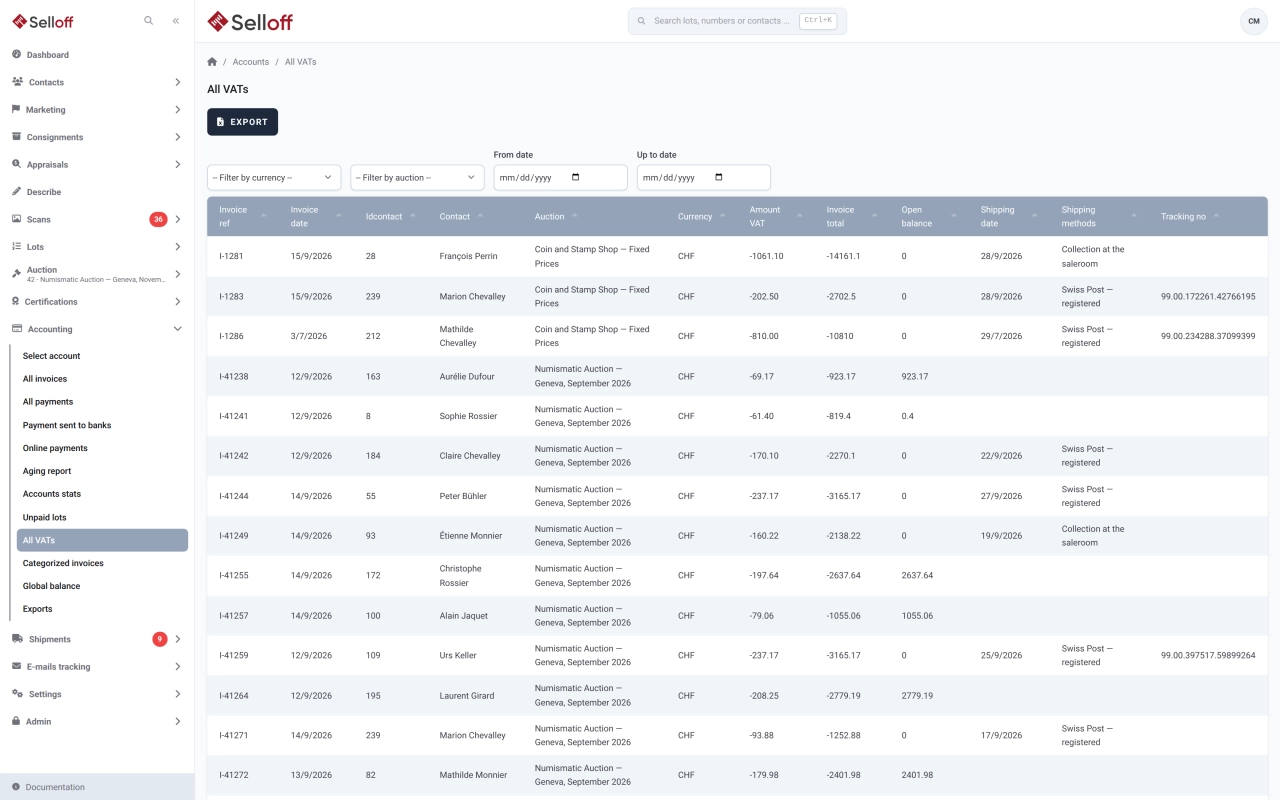
Apply the right VAT to every invoice line by branch and client country, with dated rates, foreign VAT and a VAT report for your return.

Learn more
Accounting

Online payments

Let buyers pay invoices, guarantees and free amounts online via Stripe, Datatrans or Saferpay, with fees and payment statuses tracked in Selloff.

Learn more
Accounting

Accounting export

Export buyer, consignor, payment and supplier entries by period, branch and currency to Sage Accpac, OM Finance, Quadra or CSV, without re-keying.

Learn more
Accounting

E-banking payment transfers

Pay consignors and suppliers by uploading a pain.001 file generated by Selloff to your e-banking, instead of typing each transfer by hand.

Learn more

07 — 5 features

Platform & service

A secure web application on servers in Switzerland, with roles and permissions, your branding, support from our team and continuous updates.

Platform & service

Users, roles & permissions

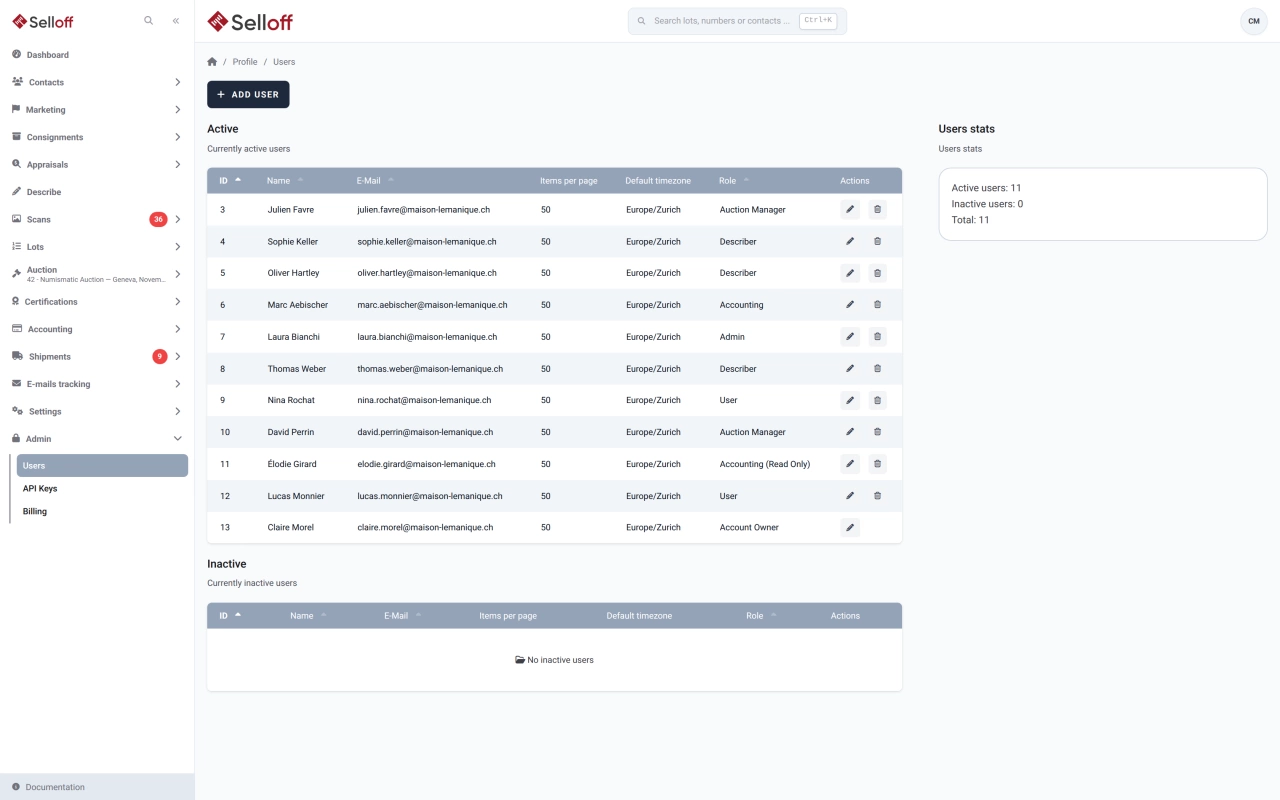
Give each team member a role that matches their job, from external describer to accountant and administrator, plus read-only roles and API keys.

  • Roles from Describer to Account Owner, each with defined access
  • Read-only roles for general and accounting staff
  • External describers see only the lots they described
Learn more: Users, roles & permissions
Interface customisation
Platform & service

Interface customisation

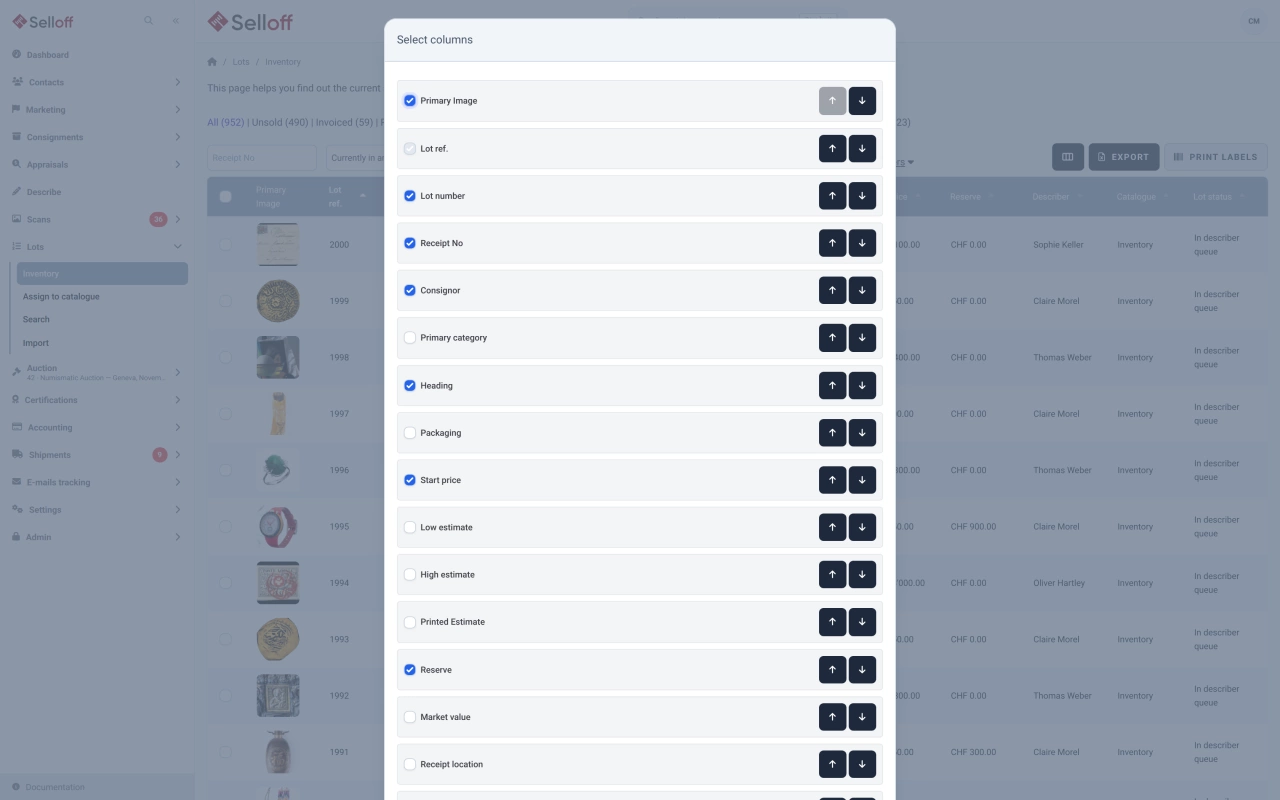
Adapt Selloff to your house: description fields, list columns, your branding on documents and emails, and every text your clients read.

Learn more
Platform & service

Security, hosting & backups

A web application with each client's data kept separate, two-factor authentication, role-based access and protected financial records.

Learn more
Platform & service

Support, training & documentation

Reach the Selloff team in Geneva through the in-app support widget, follow video tutorials and look up every screen in the in-app documentation.

Learn more
Platform & service

Continuous updates & custom development

New features and fixes reach your Selloff instance with nothing to install, and features specific to your house can be developed on request.

Learn more

Selloff

See Selloff running on a sale like yours.

A one-hour demo, with your sale types and your questions.

We measure visits with Matomo, an analytics tool we host ourselves. Accept cookies so it can recognise returning visitors. If you refuse them, visits are still measured, without cookies. Privacy policy